
Check which problem you actually have
There are three different situations: the button is missing, the button is visible but cannot recover pieces yet, or the button works but the exhibit still looks unfinished. Treat them separately. A missing control is a version or menu problem. A visible control that reports too many remaining pieces is the current threshold working as intended. An unfinished display after recovery needs a closer look at what you are carrying and where the recovered objects landed.
Start by noting the remaining-piece count. Do not use an old forum reply about twenty pieces to decide whether the current button should work. The official 2 October patch changed its availability and explains the fifty-piece rule. If your installation predates that update, update through Steam before comparing it with this guide.
Use the menu rather than searching for a table
- Press Esc to open the pause menu.
- Look for Lost & Found. The developer's location reply places it toward the lower-right area, above the report control.
- If more than fifty pieces remain, use the button's message to confirm how much work is left. Continue restoring rather than repeatedly searching for a physical desk.
- When recovery is available, activate it and return to the main map.
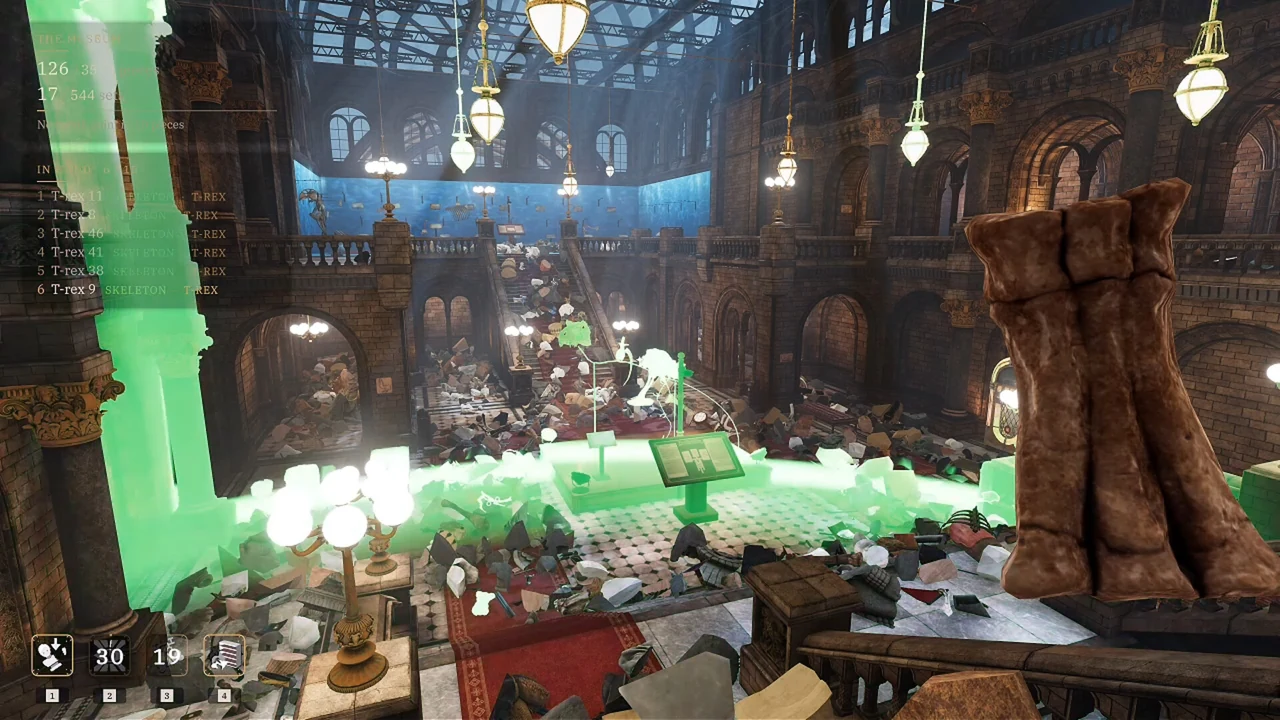
- Search the floor in front of the T-Rex for the returned fragments.
- Check your held-item list before concluding that a particular fragment is still missing.
The 27 September update added a message when missing fragments are already in your bag, and made returned pieces glow briefly. That means the inventory check is useful even when you expected recovery to place everything on the floor. The button is a recovery aid, not a promise that the display will assemble itself.
When recovered pieces are difficult to see
Pause at the recovery area and inspect it deliberately. Our suggested search order is the open floor first, then the edges of nearby objects, followed by your carried pieces. This is an observation routine, not a claim that every fragment has a fixed spawn coordinate. The developer identifies the area in front of the T-Rex; we have not mapped individual fragment positions.
If the floor is too dark or an outline blends into its surroundings, use the flashlight and visibility guide. Change one setting, inspect the same area again, and then decide whether the visibility improved. Repeatedly changing all the visual settings makes it harder to tell which adjustment helped.
Once you find a returned fragment, handle it like an ordinary restoration piece. If it refuses to fit, switch to piece placement instead of assuming that recovery failed. Locating a fragment and aligning a fragment are different tasks.
Ulysses & Argos and the last stubborn fragment
The Ulysses & Argos discussion contains a developer-confirmed case in which a fragment escaped the map. The developer identified that problem by inspecting submitted saves and pointed to Lost & Found as the likely recovery route. This is useful when normal searching has stopped producing results, but it does not prove that every unfinished Ulysses & Argos exhibit has the same bug.
Use the current recovery control once its threshold is met. Check what it returns and what is already held. If the exhibit still cannot be completed, record the exact exhibit name, any visible piece number, the remaining count, and the result of using recovery. Those observations are more useful than simply reporting that the museum is stuck at the end. Do not delete a nearly completed save to test a theory about one missing fragment.
Lost & Found and the no-skills achievement
Tobo Games explicitly states that using Lost & Found does not fail Nobody Asked for Help. You can therefore recover the last pieces while preserving that achievement attempt. The restriction concerns active skills, not this recovery button. Read the achievement guide for the separate rule about buying skills and the completed-save fix.
If recovery still does not resolve the problem
Use Report a Problem from the pause menu while the affected save is loaded. Describe what you expected, what the menu said, and what happened on the main map. Include the exhibit and fragment details you can actually see. Avoid guessing coordinates or claiming a universal bug from one unsuccessful attempt. A report tied to the affected save gives the developer a better starting point than a fresh save with no remaining symptoms.